Opel Speedster Turbo 2004
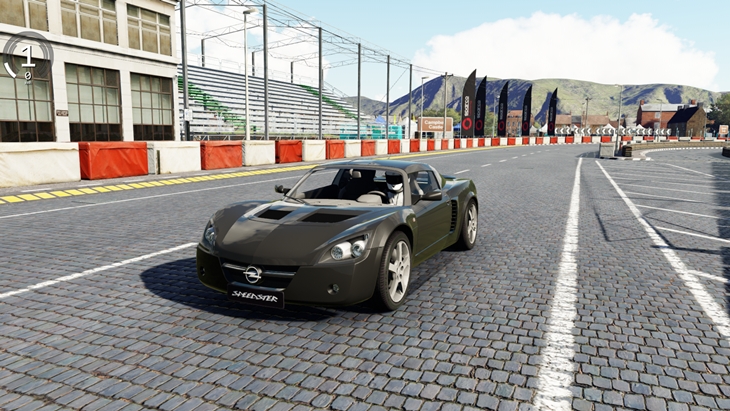
- Power197 HP
- Torque267 Nm
- Top speed235 km/h
- Weight929 kg
- 0-1004.6s
Description
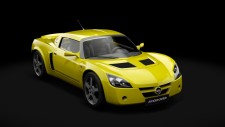
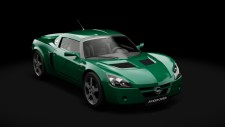
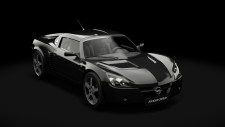
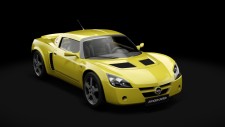
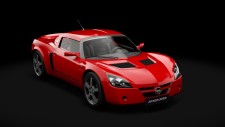
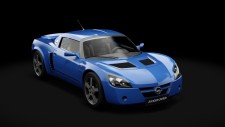
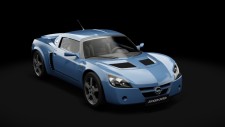
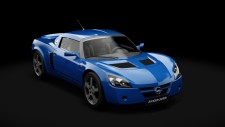
The Opel Speedster Turbo 2004 (Opel) car mod adds this vehicle to Assetto Corsa as a free download by 101Creative. In-game specifications include weight 929, power 145 HP, torque 0-100. Includes 16 paint variants to choose from in-game. Tested on Assetto Cors, top speed es 16 paint variants to choose from in-game. Tested on Assetto Corsa 1.16.4 for, and 0-100 km/h in 4.6s 0-100. Includes 16 paint variants to choose from in-game. Tested on Assetto Corsa 1.16.4 for Windows. Browse specifications, compatibility notes, installation steps, and screenshots using the tabs on this page.
About Opel Speedster Turbo 2004
The Opel Speedster is a mid-engined, targa-topped, two-seat sports car sold by German automaker Opel and introduced in July 2000. It was built in both RHD and LHD versions at the Lotus Cars plant in Hethel, Norfolk, England. It was presented at the Geneva Motor Show in March 1999 and went into full production the following year.
It was sold by Vauxhall as the VX220 in the United Kingdom and shared much in common with the Lotus Elise, although Opel claimed few parts were interchangeable.
Due to changes in European crash safety regulations for the 2000 model year, Lotus needed to replace the original Elise. In October 1999, a deal was made between Lotus and General Motors in order for the former to gain sufficient funds to develop a new Elise. As part of the deal, Lotus agreed to develop and produce the Opel Speedster and Vauxhall VX220 on its new Series 2 Elise chassis. The first Speedster concept car was shown at the 1999 Geneva Motor Show.
Whilst the new Elise would use a 1.8 L Toyota ZZ engine, the Speedster was designed to use a 2.2 L GM Ecotec engine from the Opel Astra. Neither engine had been used in the original Elise, which was fitted with a 1.8-litre Rover K-Series engine.
Gameplay Video

Mod creator 101Creative
Specifications
- Weight
- 929 kg
- Power
- 200 bhp / 197 HP
- Torque
- 267 Nm
- Maximum Speed
- 235 km/h
- Acceleration 0-100
- 4.6s
- Weight/Power Ratio
- 4.28kg/hp
- AC Version
- 1.16.4
- File Size
- 46.1 MB
Color Variants
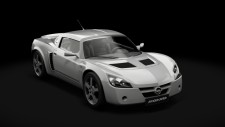
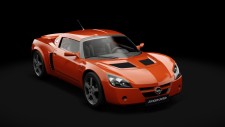
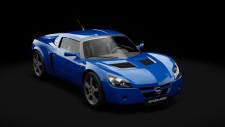
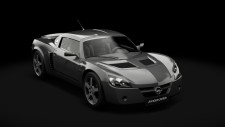

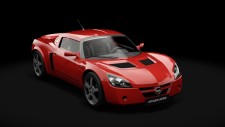
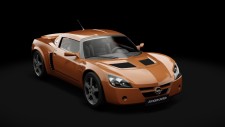
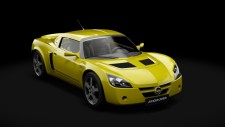
Free · Assetto Corsa 1.16.4 · 46.1 MB · Tested & working
Related Car Mods
More Opel mods →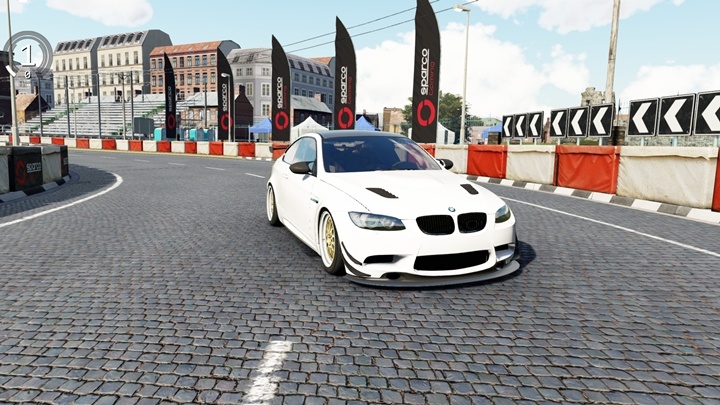
BMW M3 E92
- 844 HP
- 713 Nm
- 290 km/h
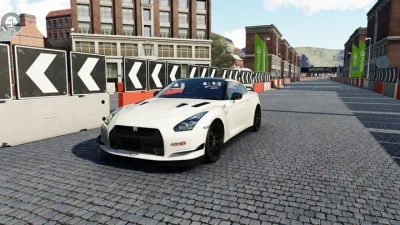
Nissan GT-R Mines Motorsport
- 789 HP
- 830 Nm
- 350 km/h
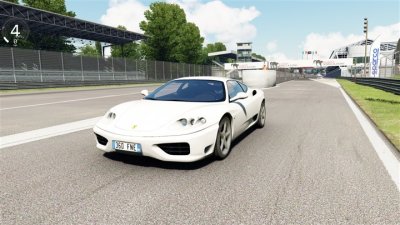
Ferrari 360 Modena
- 395 HP
- 373 Nm
- 295 km/h
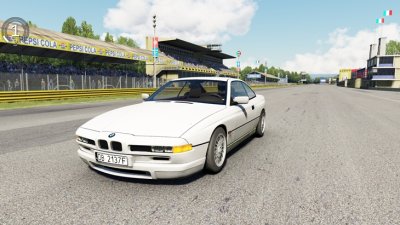
BMW E31 850i V12
- 375 HP
- 465 Nm
- 300+ km/h
Porsche 911 GT3 R Rennsport 2024
- 620 HP
- 550 Nm
- 320 km/h
Maserati GranTurismo MC GT3 Corsa
- 538 HP
- 589 Nm
- 320 km/h
Comments 0
No comments yet
Be the first to share your experience with this mod.