Ferrari F40 Competizione 1989
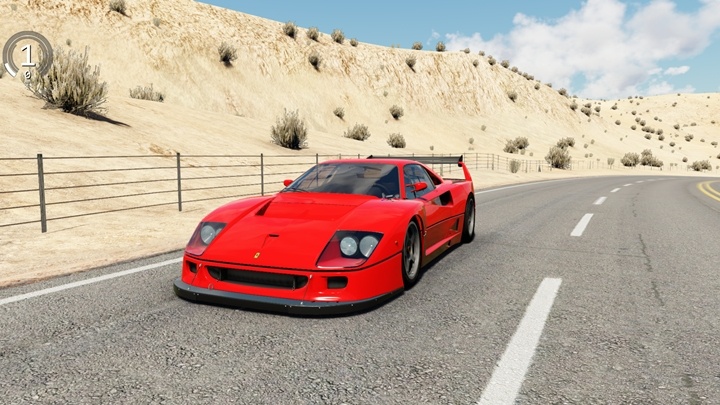
- Power700 HP
- Torque716 Nm
- Weight1,175 kg
Description
The Ferrari F40 Competizione 1989 (Ferrari) car mod adds this vehicle to Assetto Corsa as a free download by 101Creative. In-game specifications include weight 1,175, power 710 bhp, and torque from in-game. Tested on Assetto Corsa 1.16.4 for Windows. Browse specifications,. Includes 23 paint variants to choose from in-game. Tested on Assetto Corsa 1.16.4 for Windows. Browse specifications, compatibility notes, installation steps, and screenshots using the tabs on this page.
About Ferrari F40 Competizione 1989
It all started in 1989 with the Ferrari F40 LM ‘IMSA GTO’. The IMSA is a primarily American race series. The Ferrari F40 road car was still in production, so Ferrari searched for an external company, which became Michelotto. Ferrari collaborated with them on many areas before, so it was an easy pick.
They started out with a standard F40 and modified it to a fire-spitting racing car. Modifications were an engine upgrade to 780 bhp, a weight reduction of 200 kg (440 lb), racing suspension, a fully adjustable wing with gurney flap, bigger intercoolers and waste gates in the turbochargers. More air vents and an extensive rear diffuser were also added. The interior was even more stripped-out and featured a futuristic digital dashboard.
The ‘IMSA’ versions had a black or red window net, mandatory US specific rear bumper, air extractors on the front fenders and was equipped with 5-spoke O.Z Racing rims with the old O.Z logo, occasionally with Turbo-fan covers on the front wheels or on all four similar to the Mazda 787B.
In 1989 the car had the stock pop-up headlights just like the F40 road car. Only in 1990 did we see the big single headlights made famous by the F40 LM and F40 GTE. Sometimes these single headlights were replaced by black covers for aero and weight purposes on races that didn’t require headlights.
Mod creator 101Creative
Specifications
- Weight
- 1,175 kg
- Power
- 710 bhp / 700 HP
- Torque
- 716 Nm
- Weight/Power Ratio
- 1.93 kg/hp
- AC Version
- 1.16.4
- File Size
- 128.3 MB
Color Variants
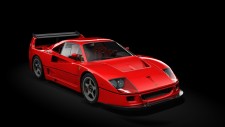
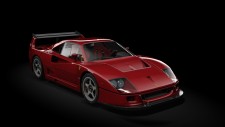
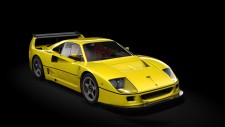
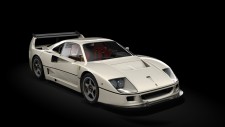
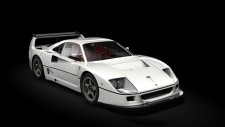
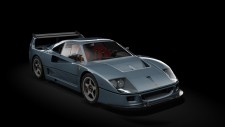
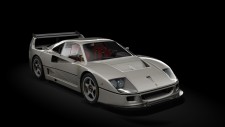
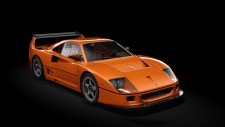
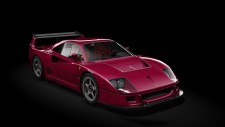
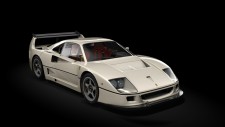
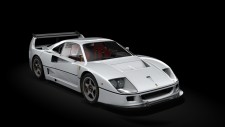
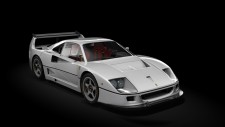
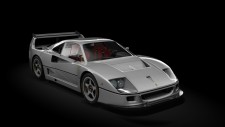
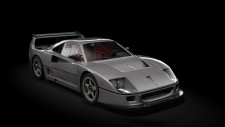
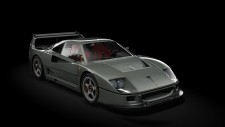
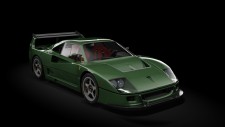
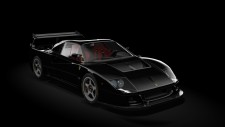
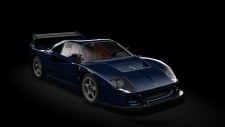
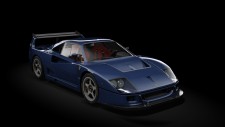
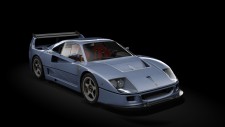
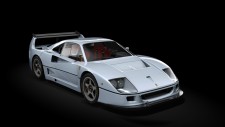
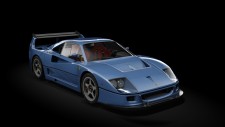
Free · Assetto Corsa 1.16.4 · 128.3 MB · Tested & working
Related Car Mods
More Ferrari mods →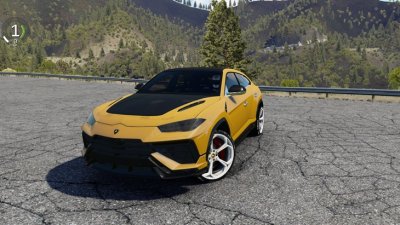
Lamborghini Urus Perfomante 2023
- 909 HP
- 909 Nm
- 320+ km/h
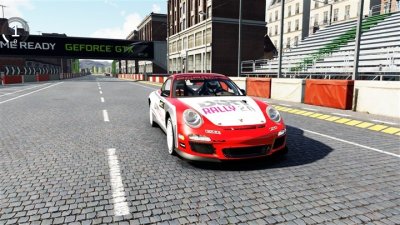
Porsche 911 (997) RGT Rally Spec
- 331 HP
- 336 Nm
- 200+ km/h
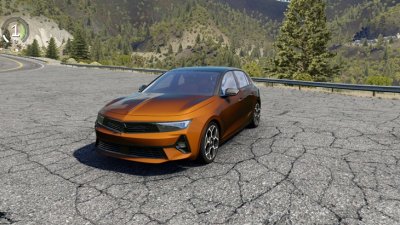
Opel Astra Turbo Hybrid
- 180 HP
- 360 Nm
- 225+ km/h
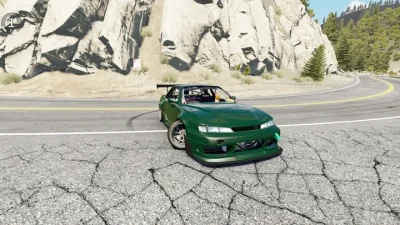
Nissan Silvia S13.4
- 381 HP
- 391 Nm
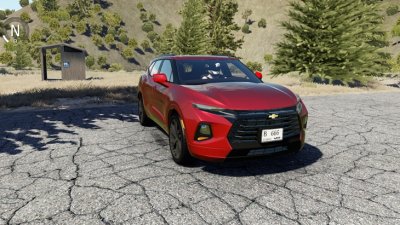
Chevrolet Blazer 2019
- 304 HP
- 366 Nm
- 190 km/h
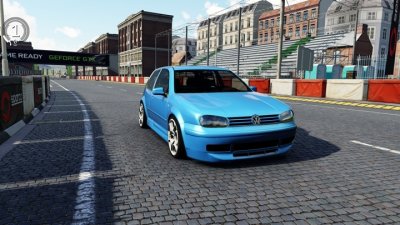
Volkswagen Golf MK4
- 303 Nm
- 242 km/h
Comments 0
No comments yet
Be the first to share your experience with this mod.